Timelier automatically sends email and SMS reminders for lessons, practices, tutoring sessions, classes, coaching calls, and clinics directly from your calendar.
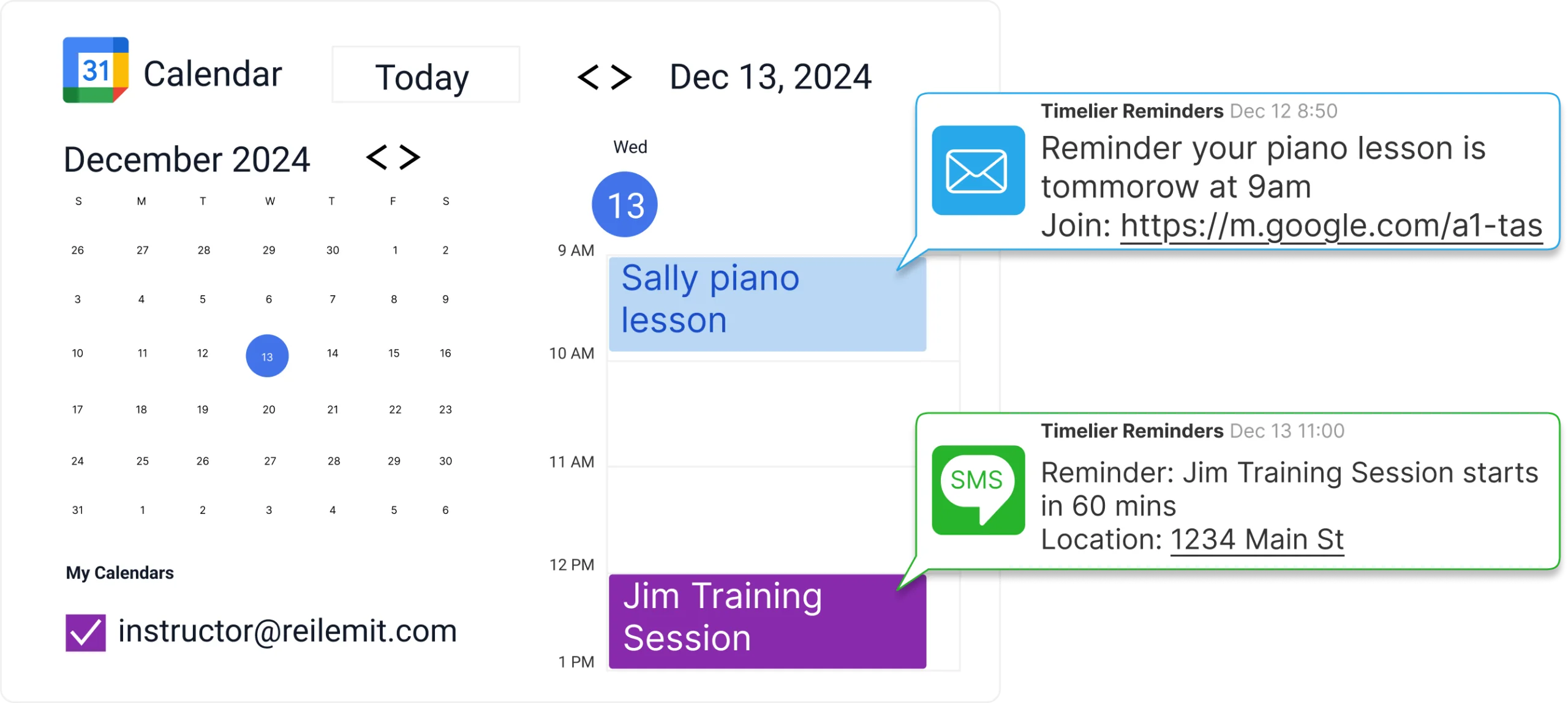
Whether you coach an athletic team, teach music lessons, tutor students, lead fitness sessions, or run after-school programs, staying on schedule takes more than just putting events on a calendar.
People forget. Parents miss emails. Students lose track of time. And somehow, you end up being the one sending “Are you still coming?” messages. Timelier takes care of it automatically.
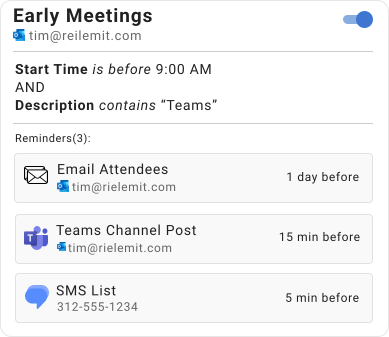
A 30-minute private lesson needs different instructions than a full-team tournament. With Timelier's rule builder, you can filter by event title, location, details, and other event properties so the right message goes out every time.
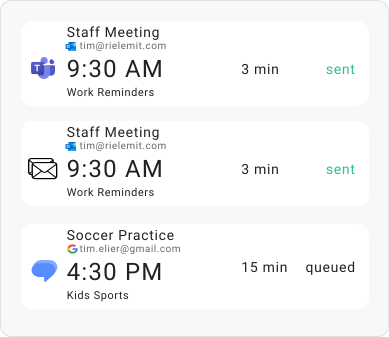
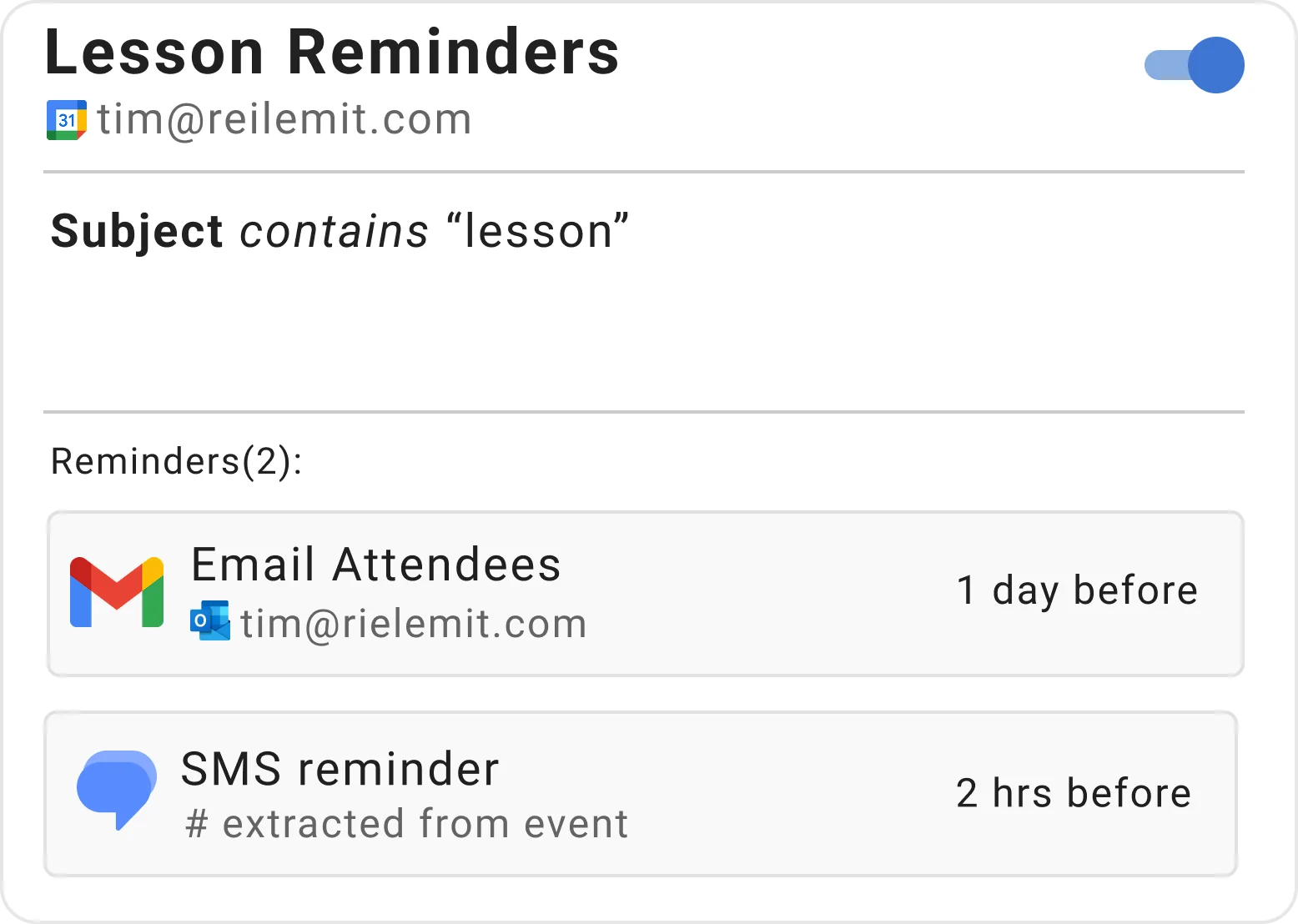
Trigger alerts 24 hours before, 2 hours before, or at custom intervals that ensure students and parents are prepared.
Pulls student or parent phone numbers directly from event descriptions without manual copying.
Notify students, parents, assistant instructors, or yourself so everyone is aligned on schedule changes.
Reminders only trigger for specific lesson types, classes, or sessions based on your custom rule keywords.
Timelier automatically sends SMS and email reminders based on your calendar events and reminder rules. Once set up, reminders run silently in the background with zero maintenance. Here are two real-world examples in action.
Music lessons, tutoring, driving instruction, swim lessons, and academic coaching often require coordinating with both students and their parents. This rule monitors a Google Calendar for appointments with “lesson” in the title.
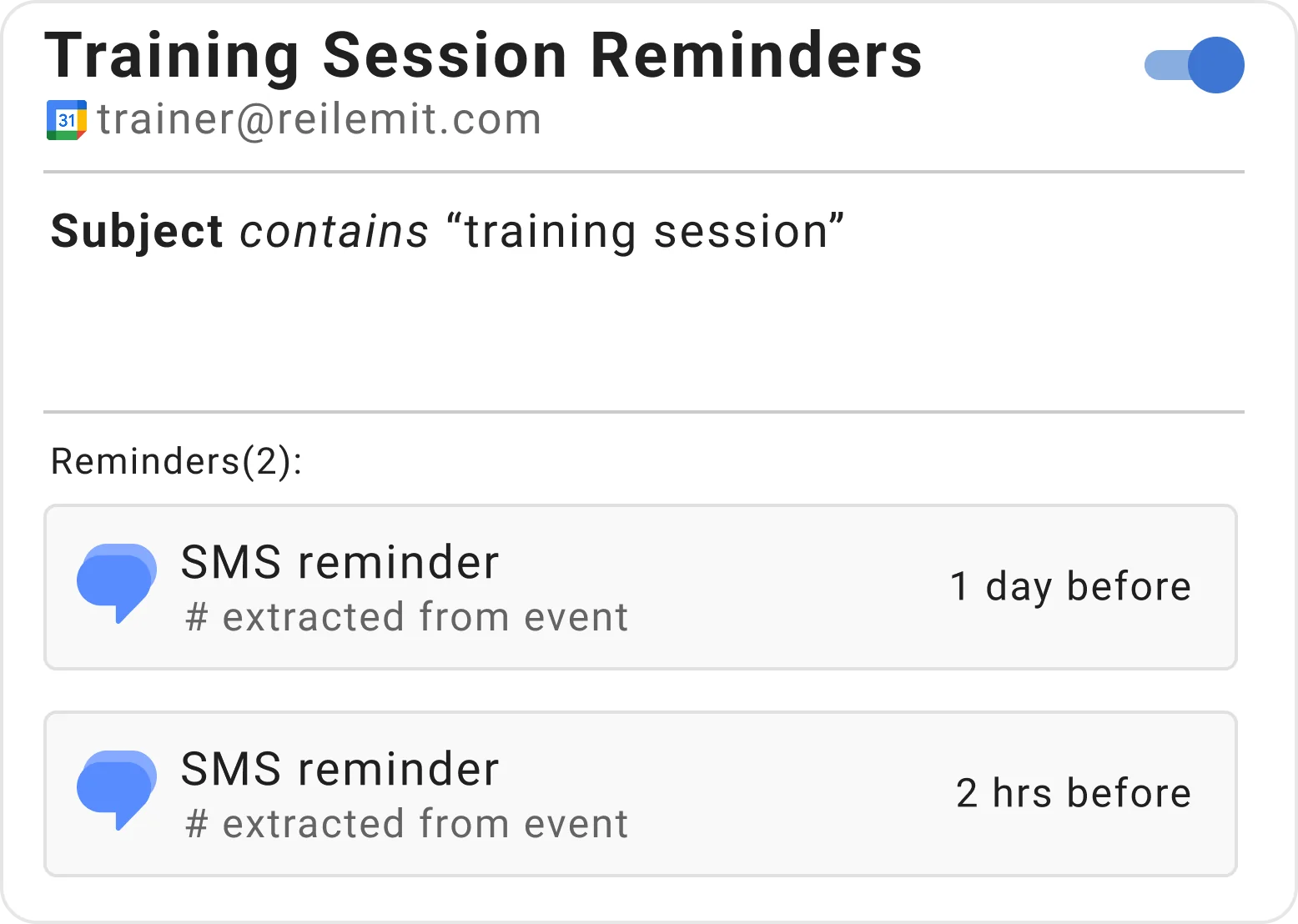
Personal trainers, fitness coaches, and sports instructors rely on clients showing up on time and ready to work out. In this example, the trainer schedules appointments like “Sally & John - training session” with client phone numbers in the description.
Start your free trial today and keep all your students and families on schedule.
Create Your Free Account →