Send automated SMS text reminders for Google Calendar, Outlook, Office 365, and Apple iCloud appointments. Seamless Google Calendar SMS integration eliminates no-shows without manual follow-up.
Timelier currently supports automated SMS reminders in the United States, United Kingdom, and Australia. We’re continuing to expand international SMS availability. Reach out to support to request your country.
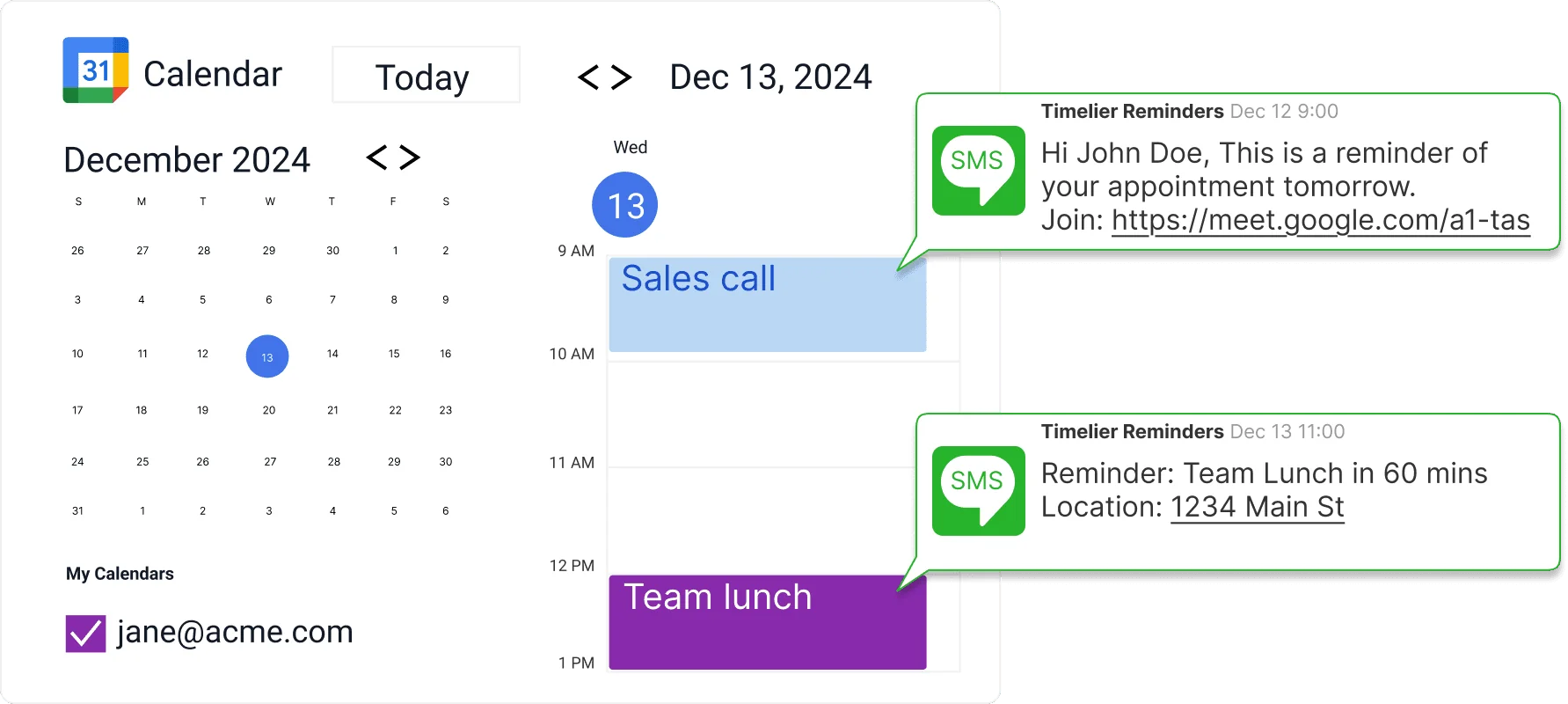
SMS text message reminders are one of the most effective ways to reduce no-shows, last-minute cancellations, and missed appointments. With open rates consistently above 90%, text messages ensure your reminders are seen quickly—usually within 3 minutes of arrival.
Businesses that rely on scheduled appointments—consultants, therapists, personal trainers, educators, and contractors—lose thousands in billable hours when clients forget to show up. Timelier stops the revenue leak automatically.
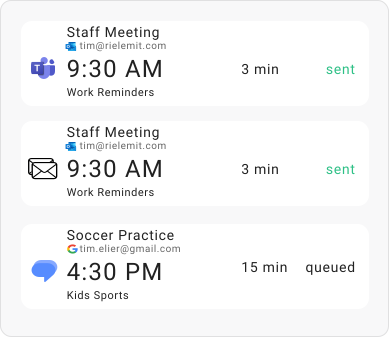
You never need to copy-paste names into a separate SMS app or manually send text reminders beforehand. Simply add an event to Google Calendar, Outlook, or Apple iCloud Calendar as you normally do.
Trigger text alerts 1 week before, 2 hours before, 15 minutes before, or at multiple stages customized to your workflow.
Automatically detects and pulls client phone numbers directly from event descriptions.
Send texts to clients, attendees, staff members, or yourself flexible rules give you total control.
Reminders only trigger for the exact appointments you want based on rules you set up.
Connect your calendar in 30 seconds. Timelier runs silently in the background—no complicated Zapier workflows or clunky third-party apps required.
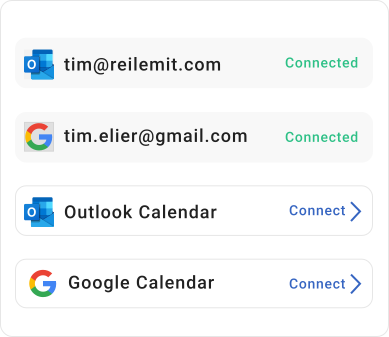
Securely connect your personal Google Calendar, Google Workspace, Microsoft 365 / Office 365, or Apple iCloud account in seconds. No software installation needed.
Configure flexible timing (e.g., 24 hours and 1 hour before) and customize message templates with dynamic tags like client name, meeting time, and video call links.
Schedule meetings as you normally do. Timelier detects the attendee's mobile phone number and delivers standard SMS texts directly to their device with 98% open rates.
Timelier automatically sends SMS text reminders based on your calendar events and reminder rules. Once set up, reminders run silently in the background with zero maintenance. Here are two real-world examples in action.
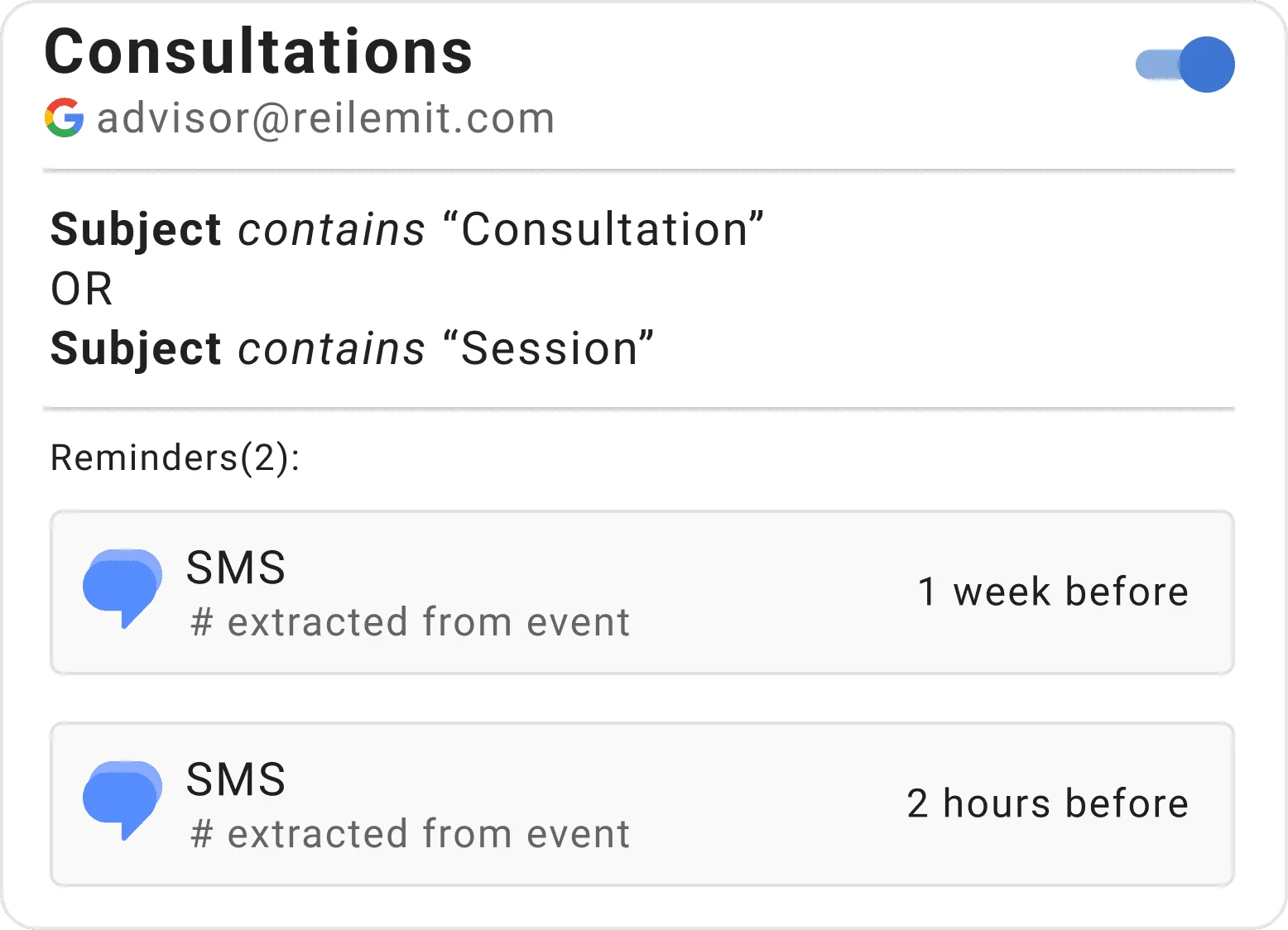
This rule monitors a Google Calendar for appointments that have “Consultation” OR “Session” in the subject line. (These keywords are completely customizable to match your business terminology).
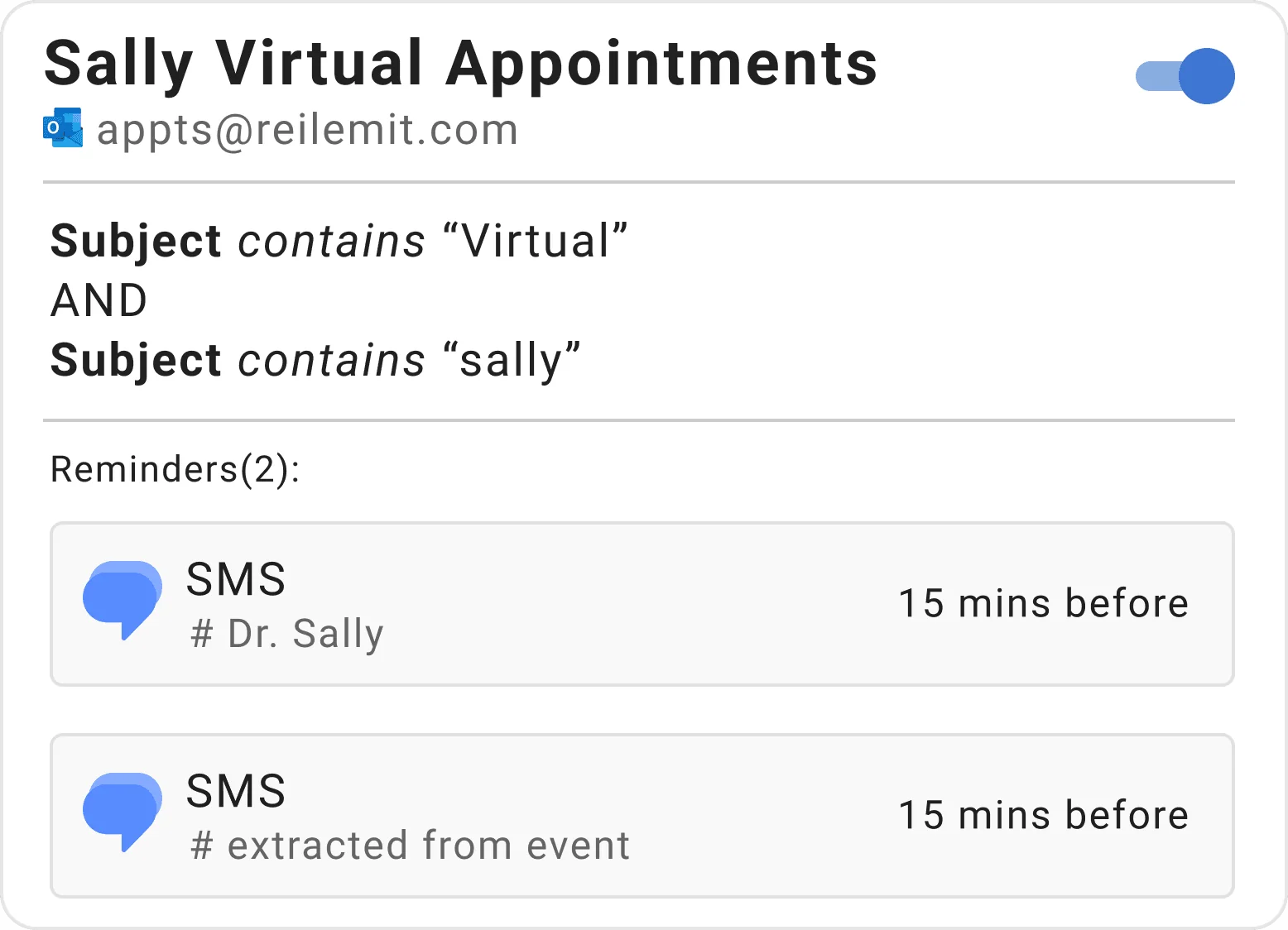
This rule monitors an Outlook Calendar for events that have both “Virtual” AND “sally” in the subject line.
Timelier currently supports SMS text message reminders in:
We are continually expanding SMS availability to additional countries. Email support to request your country.
Common questions about automated SMS text message reminders for Google Calendar, Outlook, and Apple iCloud.
No. Google Calendar does not send automated SMS text reminders to attendees. Built-in notifications only alert the event creator via popup or email. To automatically send SMS text reminders directly to clients and guests, you need a calendar integration like Timelier, which syncs with Google Calendar and automatically texts attendees before scheduled appointments.
You connect your Google Calendar via secure OAuth in 30 seconds. Whenever you add an appointment or a client books via Google Calendar appointment schedules, Timelier detects the event, extracts the attendee's mobile number, and dispatches your personalized text reminders at your configured intervals (e.g. 24 hours and 1 hour before). No Zapier or manual data entry is required.
Yes. Timelier fully integrates with Microsoft 365, Office 365 business mailboxes, Exchange, and personal Outlook.com accounts. Simply create appointments on your Outlook calendar as usual, and Timelier automatically texts your clients before the meeting.
Timelier's intelligent parser scans your calendar event notes, descriptions, locations, and titles for valid domestic and international phone numbers. It automatically pairs the client's number with the scheduled alert—no manual contact list needed. Learn more in our guides on Google Calendar SMS text reminders and Outlook Calendar SMS reminders.
Yes. When appointments are booked through Google Calendar appointment schedules or booking pages, Timelier automatically captures the event, extracts the attendee's phone number, and sends your configured SMS sequence. Read our tutorial on automated reminders for Google Calendar booking pages.
Yes. By pairing Calendly with Timelier, you get a zero-code Calendly SMS integration that automates text and email reminders for events booked through Calendly as well as events booked over the phone or other non-Calendly methods—without needing expensive Calendly plan upgrades or Zapier.
No. Your attendees do not need to download an app, create an account, or enter confirmation codes. Reminders arrive as standard, clean SMS text messages directly on their mobile phones, ensuring 98% open rates without any client friction.
Connect your calendar and send your first automated text alert today. No credit card required.
Create Your Free Account →